Hands-free
Control the camera from across the room. Hold a sign still for a second, and it's cut from your video.
- ✌️Record
- ✋Pause
- 👍Finish
- ☝️Retake
Teleprompter for iPhone
Talk naturally. The script moves only when you speak, so you never lose your place, never sound like you're reading, and never ruin a take.
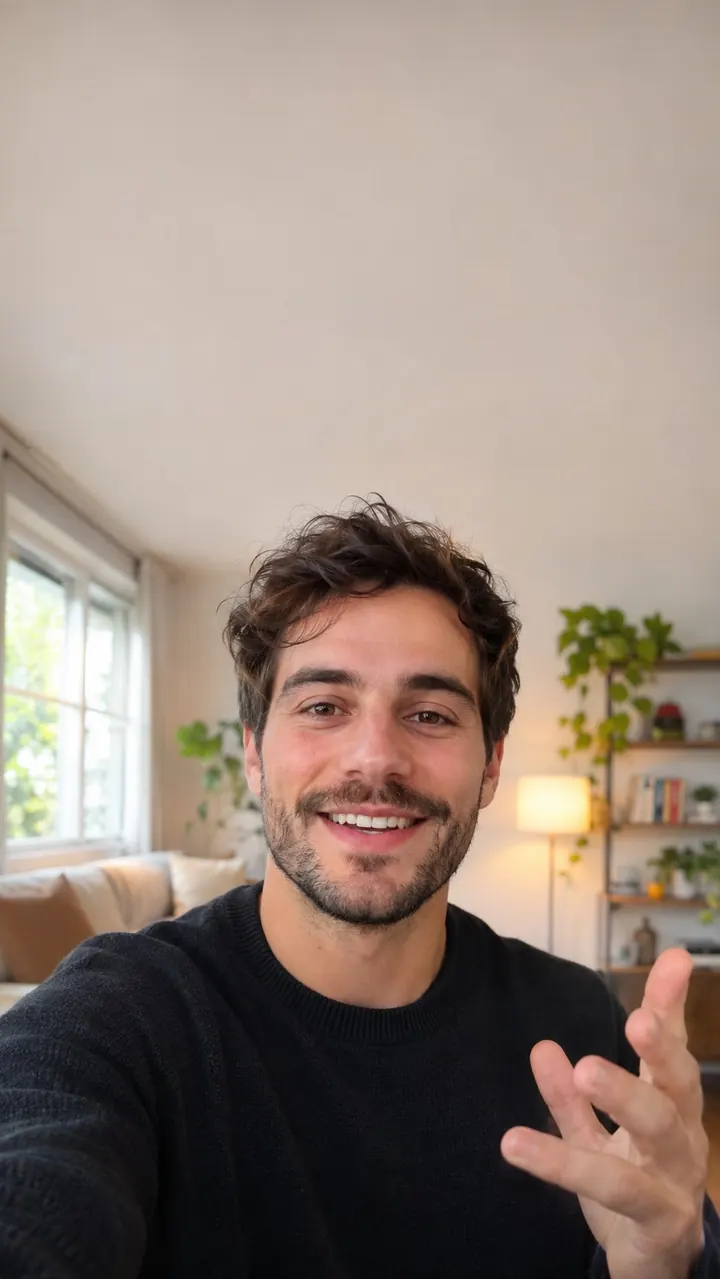

Slow down to make a point, take a breath, stumble on a word. A fixed-speed scroll keeps going. Blinko listens and moves with you.
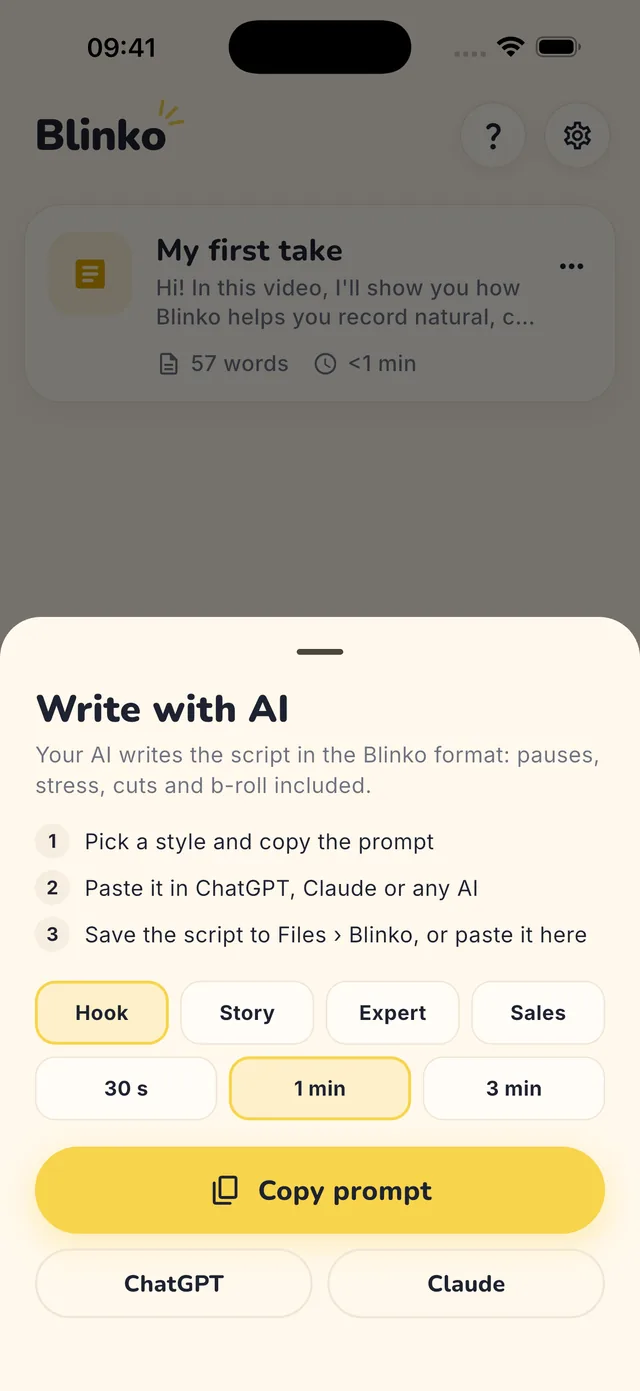
Paste your script, import a file, or copy the Blinko prompt into ChatGPT or Claude. It comes back with pauses and emphasis the prompter understands.
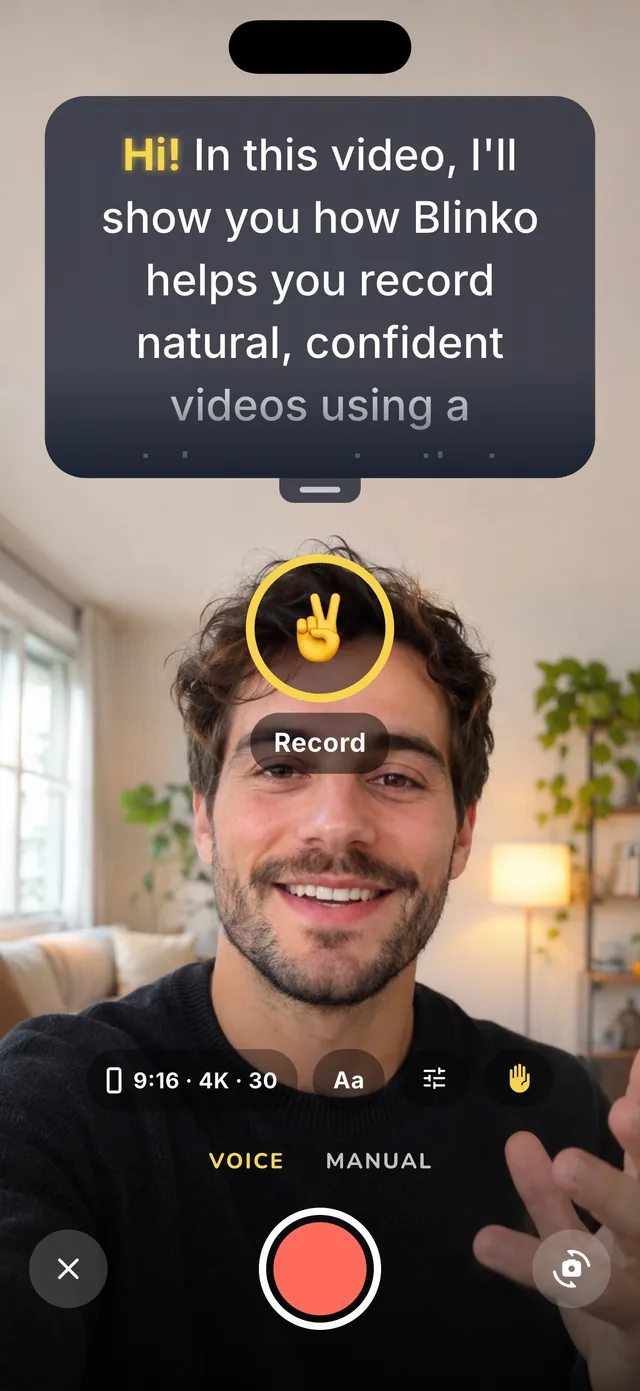
The text sits right under the camera and follows your voice. Start with a peace sign, pause with your palm, finish with a thumbs up.
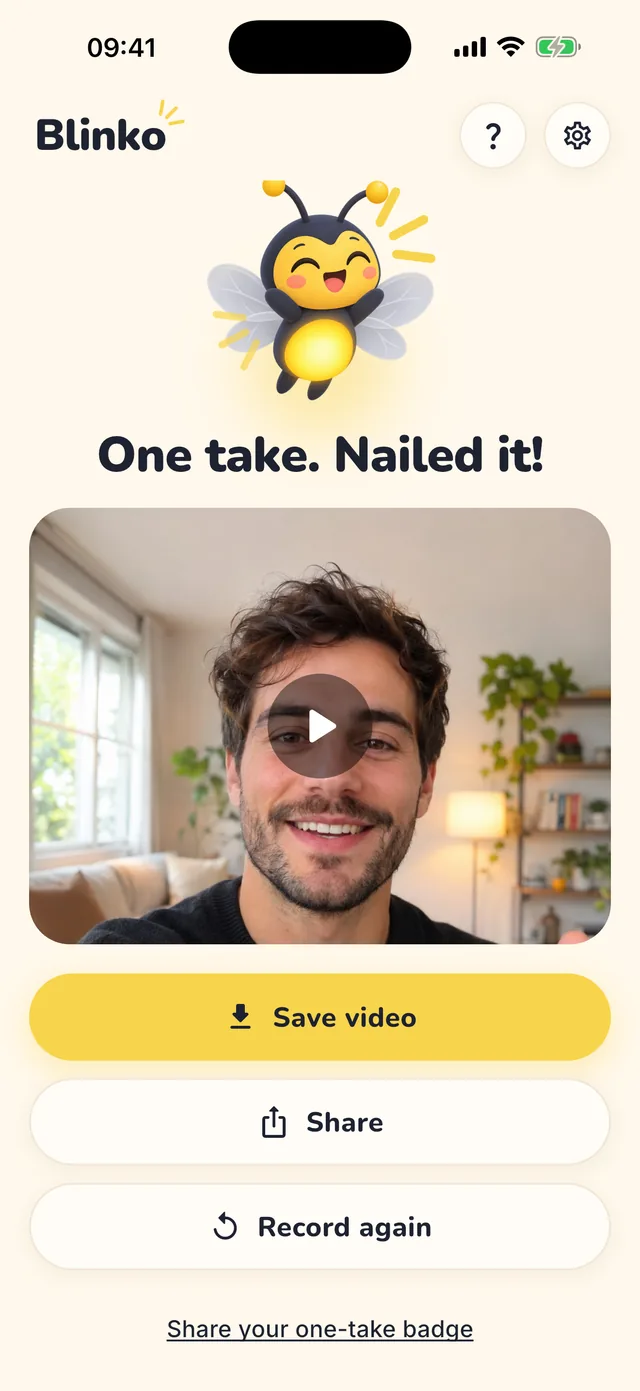
Takes join into one video. Trim, remove pauses, add captions in your style, and export in up to 4K.
Made for creators, teachers, founders and anyone who talks to a camera.
Control the camera from across the room. Hold a sign still for a second, and it's cut from your video.
Captions sync with your voice. Pick a look, a font and your colors, and drag them where you want.
Keep the original quality, or choose the size and format for where it's going.
About 180 MB · 1 min
Hook, story, expert or sales: one prompt teaches any AI to write for the prompter. Save to Files › Blinko and it shows up in your library.
One tap cuts the silences between sentences. Undo if you want them back.
Stumbled? One tap starts a new take from the beginning of the sentence. Every take is kept.
USB-C and Lightning mics, wireless kits, and AirPods on iOS 26. Blinko shows which one is recording.
Record without the teleprompter for b-roll or a take in your own words.

Your scripts, your voice and your videos never leave your device. Speech recognition and captions run on the iPhone itself, even in airplane mode. No account, ever.
Read the privacy policy$0
$49.99 / year
or $4.99 / week · $89.99 once
Prices in US dollars. Your local price is shown in the app before you buy. Cancel anytime in Settings.
Any language your iPhone recognizes on-device: English, Portuguese, Spanish, German, French, Japanese, Korean and many more. Manual mode scrolls at a set speed for any script.
No. Speech recognition runs on your iPhone, so Blinko works in airplane mode.
Never. The video is clean, with no watermark, and the text stays on your screen only.
Yes, with hand signs: peace to record, palm to pause, thumbs up to finish, one finger to retake. The gestures are cut from your video.

Blinko for iPhone. Free to start.
Coming soon to the App Store